
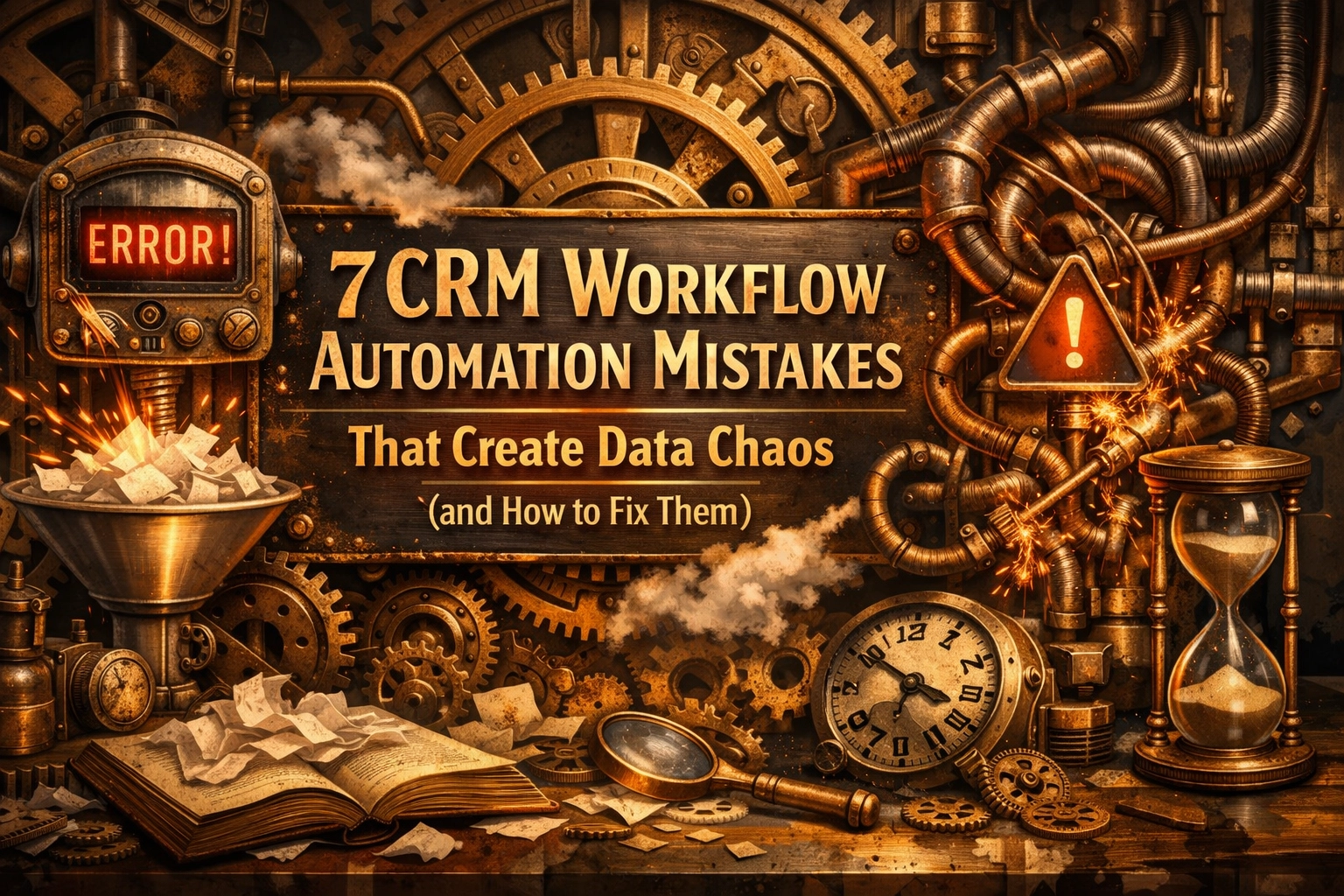
There is a particular kind of quiet satisfaction that comes from watching a well-oiled machine go about its work. Imagine a Victorian clockmaker’s workshop where every gear, no matter how small, turns in perfect sympathy with its neighbour. In the modern business world, your CRM workflow automation should feel exactly like that. When it works, it is a silent assistant that handles the heavy lifting, leaving you free to think, create, and breathe.
However, when those gears are slightly out of alignment, the machine doesn’t just stop. It starts to clatter. It grinds. It begins to produce results that look nothing like what you intended. For many business owners, especially those who find technology a little overwhelming or whose brains naturally lean towards the creative rather than the technical, a CRM can quickly turn from a helpful tool into a source of significant stress.
If your CRM feels like a tangled web of confusing notifications and duplicate records, you aren’t doing anything wrong. You’ve likely just fallen into one of the common pitfalls of automation. Let’s look at how to identify these mechanical hitches and, more importantly, how to smooth them out so your system supports you rather than demanding more of your time.
Automating a process that is already broken
It is a common temptation to think that if a task is taking too long or feels messy, the solution is to automate it immediately. We hope that software will somehow “tidy up” the logic for us. In reality, automation is simply an intensifier. If you automate a broken, confusing, or illogical process, you simply end up with a broken process that happens much faster.
Think of it like paving over a muddy cow path. If the path zig-zags and leads into a ditch, the tarmac won’t make the journey any more sensible; it will just help you get to the ditch more quickly. Before you set up any crm workflow automation, it is worth sitting down with a piece of paper and sketching out the steps. If you can’t explain the logic to a friend over a cup of tea, the computer certainly won’t understand it either.

The set and forget trap
There is a myth in the world of business systems that once you build an automation, your work is done forever. We like to call these “Zombie Workflows.” These are the automations you built three years ago for a service you no longer offer or a customer type you no longer target. They sit in the background, silently humming away, moving data into folders that nobody checks and sending emails that no longer reflect your brand’s voice.
Business is organic. It grows, shifts, and sheds its skin. Your automation needs to do the same. When your strategy changes, your digital clockwork needs a manual adjustment. Without a regular check-in, these old workflows can start to corrupt your clean data, applying outdated rules to new information.
The open door policy for data imports
Data is the fuel for your CRM engine. If you put low-quality fuel in a high-performance car, you can’t expect it to run smoothly. Many businesses suffer from “uncontrolled data imports”, where lists from various marketing tools, lead magnets, or bulk uploads are poured into the CRM without any filtering.
Without a gatekeeper, you quickly end up with a library where the same book is shelved five times under five different names. You might have one record for “J. Smith,” another for “John Smith,” and a third for “john.smith@gmail.com.” When your automation triggers an email to all three, you don’t look efficient; you look like a robot with a glitch. Establishing a “validation gate” before data enters your main system is a simple way to keep the chaos at bay.
The wild west of data entry standards
If one person in your team records a phone number as “07123 456789” and another uses “+44 7123456789,” and someone else just writes “Give him a ring on his mobile,” your CRM logic starts to fail. Workflows often rely on specific formatting to trigger the next step. If the “Sector” field says “Construction” on one record and “Building Industry” on another, any automation designed to help your construction clients will miss half the people it was meant to serve.
This isn’t about being pedantic; it’s about creating a common language for your system. When everyone inputs information differently, it creates “data silos” where information is technically there but practically invisible to the automation. Simple drop-down menus instead of free-text boxes can be a wonderful way to reduce the cognitive load on your team while keeping your data pristine.

Building a Frankenstein tech stack
In the quest for the perfect setup, it is easy to keep adding “just one more tool.” You might have one app for booking calls, another for sending newsletters, a third for project management, and a fourth for invoicing. If these tools aren’t deeply integrated, you end up with a “Frankenstein” system, a collection of parts stitched together that don’t quite move as one.
Each new integration is a potential point of failure. If the bridge between your booking tool and your CRM breaks, the automation stops, and you might not realise it until a client complains. Reducing friction often means simplifying your “stack.” It is usually better to have three tools that talk to each other perfectly than ten tools that barely know each other’s names. You can read more about how this simplifies things in our guide to the magical world of business automation.
Ignoring the natural decay of information
Data, much like a hedge, requires regular pruning. People change jobs, companies move premises, and email addresses are abandoned. This is known as data decay. If you build your workflows on the assumption that once a contact is in your CRM they stay the same forever, you are building on shifting sand.
If your automation is trying to send a “Happy Anniversary” email to a contact who left their company two years ago, it’s a wasted effort that adds to the “digital noise.” Setting up a regular “wash cycle”, perhaps once every six months, to verify your most important contacts and merge duplicates is an act of kindness for your future self. It keeps the system feeling light and responsive rather than heavy and cluttered.
Triggering actions with incomplete information
Imagine a mechanical sorting machine that is supposed to put apples in the red bin and pears in the green bin. If a piece of fruit arrives that the machine can’t identify, a well-designed system should set it aside. A poorly designed one might just throw it into the red bin anyway, or worse, jam the whole machine.
Many CRM workflow automation errors happen because the system tries to run a process based on a field that is empty. If your “Welcome” workflow is designed to say “Hi [First Name],” but the first name field is blank, your client receives an email that says “Hi ,” which feels cold and mechanical. The fix is to ensure that your workflows have “guardrails”, they should only fire when the necessary information is present and correct.

How to audit and fix your CRM workflows
If you are feeling a bit overwhelmed by the state of your data, please don’t worry. Most systems can be brought back into order with a bit of calm, methodical attention. You don’t need to fix everything in one afternoon. Here is a gentle process for regaining control:
- Map out your three most important “customer journeys” on paper (e.g., how a lead becomes a client).
- Identify which automations currently touch those journeys and check if they are still relevant.
- Look for the “blank spots”: are there places where you are manually copying data from one tool to another?
- Standardise your entry fields by turning free-text boxes into simple drop-down selections where possible.
- Run a deduplication tool to find and merge those “John Smith” and “J. Smith” records.
- Test your workflows using a “test contact” (yourself) to see exactly what the customer sees.
- Set a recurring calendar invite for a “System Tea Break” once a quarter to check that everything is still turning as it should.
At Myriad, we believe that technology should be the wind in your sails, not an anchor dragging behind you. By slowing down to look at the gears of your CRM, you aren’t just fixing a database; you are creating a more peaceful environment for your brain to do its best work.
Systems work best when they are built with both order and imagination. When you remove the friction of bad data and broken workflows, you find you have much more energy for the parts of your business that truly require your human touch. It is about building a structure that supports you, allowing you to move through your day with a little more clarity and a lot less clatter.